Revolut Business x Xero
Xero
Save time and keep your books accurate — sync everything from transactions to invoices with our Xero integration for Revolut Business.
What you can sync
Bank feed
Keep your records up to date with regular transaction syncs between your Revolut Business account and Xero.
Bills
Sync bills and accounting details in seconds, with automatic imports and exports.
Expenses
Automatically sync your business expenses with Xero as they happen — with receipts, categories, and descriptions attached.
Invoices
Issue invoices directly to customers and take payments easily, with invoices automatically marked as paid and transactions created for reconciliation.
How to set it up
- 1
Enable bank feeds
Connect the integration from your Revolut Business settings, and grant access in Xero.
- 2
Choose your accounts
Select the accounts you want to auto-sync transactions for.
- 3
Auto-sync expenses
Enable auto-sync for Expenses, with receipts and other details exported to Xero automatically.
- 4
Import and export bills
Switch on the import and export toggles to auto-sync bills and corresponding payments.
- 5
Integrate invoicing
Connect Invoices and add Revolut as a payment acceptance method in Xero.
- 6
Ready to go
You’re all set — your Revolut Business data now syncs seamlessly with Xero.
Take complete control of your finances
- Connect in a few clicks and sync automatically so all your financial records stay up to date
- Choose what you want to sync, from bank feeds and bills to expenses and invoices — and keep your books organised, your way
- Get full account visibility by syncing across all your Revolut Business accounts, including Merchant and Savings
Business account fees and T&Cs apply.
Open an account
Manage all your bills in one place
- Never miss a bill with automatic imports into Revolut Business, and exports of approved or scheduled bills to Xero
- Keep every detail in sync, including references, amounts, attachments, tax rates, and due dates
- Pay faster with less admin — draft transfers are created automatically in your Revolut Business account so you can settle bills easily
- Maintain full visibility from start to finish, with payment details synced back to Xero once bills are settled

Reconcile expenses effortlessly
- Auto-export expenses to Xero with all the relevant details, from receipts to tax rates
- Reconcile in a click, with expenses automatically matched to the corresponding transaction
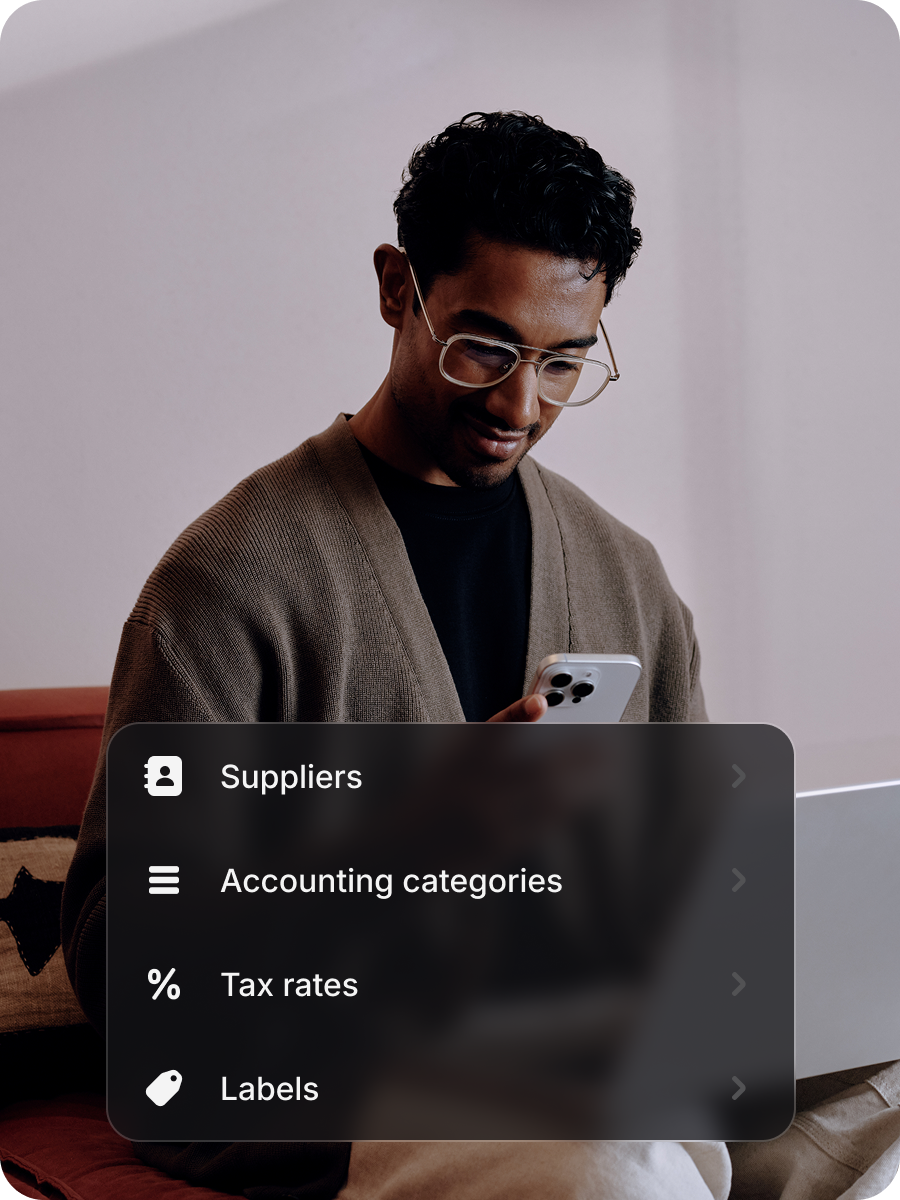
- Automatically import your accounting categories, tax rates, and labels so you can quickly apply them to expenses
- Turn reimbursement requests into payable bills, instantly and with no manual work
Get paid fast, directly from your invoices
- Empower your customers to pay instantly via a secure Revolut payment page, accessible directly from your invoices
- Mark invoices as paid automatically, with all payments made to your Revolut Merchant account instantly reflected in Xero
- Access accurate records, always — every payment is matched to the right transaction in real-time to keep your books up to date
Payment processing fees and T&Cs apply.
Open an account
Save time by syncing Xero
Need a little more help?
Revolut Business Xero integration FAQs
For detailed instructions on connecting your accounts, setting up the bank feed, and starting the data sync, visit our Help Centre or read our installation guides in-app.
This integration lets you sync transactions, expenses, bills, and invoices between your Revolut Business account and Xero. It keeps your records accurate automatically, while saving you time on manual work.
See our Xero integration guide for more.Once you’ve connected the Xero integration, we’ll automatically export all completed transactions from your Revolut Business accounts to Xero approximately every 4 to 6 hours.
You can match your Revolut Business accounts to existing ones in Xero during setup, or create new ones.
Yes, but the features available for syncing vary by plan. You can sync your bank feed, expenses, and invoices on our Basic plan and above. If you’re on our Grow plan or above, you can also sync bills.
Learn more about our plans.Integrating your Revolut Business and Xero accounts allows you to sync data between the two platforms, automatically exporting approved expenses to Xero.
Learn more about using the Xero integration with Expenses.Once you’ve connected your accounts, you'll be able to sync bills and accounting details between Xero and Revolut Business in seconds, with automatic imports and exports.
Learn more about using the Xero integration with BillPay.After connecting the integration, you can set up Revolut as a payment method in Xero by following these steps:
- Log in to Xero and go to the Invoice settings
- Edit an existing Branding theme or create a new one
- In the Payment services (credit card) section, select Revolut from the dropdown
- Click Save
Invoices using this branding theme will now include a Pay now button, redirecting customers to a Revolut-hosted payment page. For more information, read our technical guide.