How to get an eSIM in the UK
Product · 26 January 2026Clément Bolmont
Stepping off a plane and immediately hunting for a local SIM card shop is a travel ritual most of us are happy to leave behind. The stress of managing tiny plastic cards and the risk of losing your UK SIM are being replaced by a much simpler digital solution.
If you want to stay connected without the hassle, learning how to get an eSIM in the UK or abroad is the first step toward a more relaxed journey.
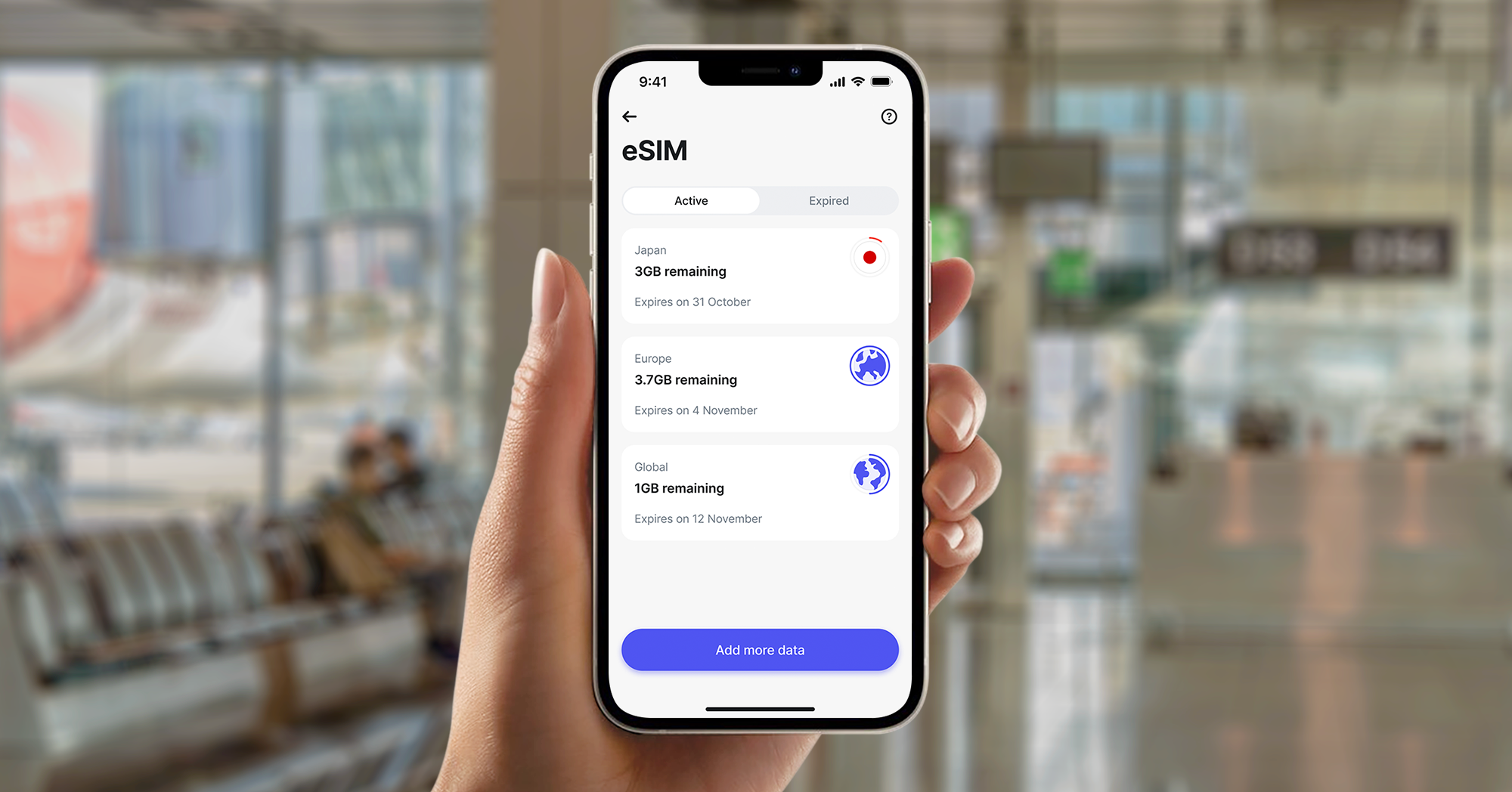
At Revolut, we provide a straightforward way for you to manage your data while you travel. You'll be able to browse plans, buy data, and add your digital SIM directly in-app. It means you can have your connection ready before you've even packed your bags, or at the last minute when you’ve already landed.
Discover Revolut eSIM plans and stay connected, no matter where you are.
eSIM T&Cs and fees apply.
The information provided is accurate as of 19 January 2026
How to get an eSIM
If you're in a hurry and want to know the basic steps for getting a digital SIM, here's how to do it:
- Check that your phone works with the technology: you can check your phone provider's documentation or your phone's settings
- If you’re not a Revolut customer yet, download our app and sign up in a matter of minutes
- Head over to the eSIM section and pick a data plan for the country you're visiting
- Download the profile using a QR code or our app
- Turn on the plan in your phone settings once you arrive
What's an eSIM and how does it work?
An eSIM, or embedded SIM, is a digital version of the physical SIM card you've used for years. Instead of sliding a piece of plastic into a tray, the technology is built into your phone's hardware. You simply download a profile within your Revolut app to activate your data plan.
When you use a digital SIM, your phone connects to mobile networks just like it would with a traditional SIM card. The main difference is that you can store multiple profiles on a single device. Think of it like having a digital wallet for your mobile plans. You'll be able to switch between your primary UK number and a local travel plan in your settings.
Want to dive deeper into how eSIMs work? Explore our guide to what an eSIM is to learn about the technology behind the digital SIM.

Why choose an eSIM for your next trip?
While traditional SIM cards have served us well, digital SIMs offer several benefits that make them a better choice for your travels.
- Fastersetup: you don't have to wait for a SIM card to arrive. You can buy and set up a plan in minutes, before you've even left home.
- Dual SIM: most phones that work with this technology let you keep your UK SIM active for calls and texts while using the eSIM for data.
- A greener choice: by removing the need for plastic cards and packaging, digital SIMs are a better way to stay connected for the planet.
- Safety: because there's no physical card to remove, you won't risk losing your tiny UK SIM card while you're exploring a new city.
How to check if your phone is eSIM compatible
Before you look at how to get an eSIM in the UK, you've got to make sure your phone can use the technology. Most top-end smartphones released since 2018 are ready.
eSIM compatibility on iPhone
To check your iPhone, go to Settings > Mobile Service (or Cellular). If you see an option that says Add eSIM, your phone is ready.
You'll also be able to check by dialling *#06# in your phone app. If you see an 'EID' number listed among the barcodes, your device works with digital SIMs. According to Apple's official support documentation, most models from the iPhone 11 onwards have this feature.
eSIM compatibility on Android
For Android devices, the steps are slightly different depending on the brand:
- Samsung: go to Settings > Connections > SIM Manager. If you see Add eSIM, you're ready to go.
- Google Pixel: go to Settings > Network & internet > SIMs. Tap the + symbol to see if you'll be able to download a SIM.
How to get an eSIM in the UK
Getting a UK eSIM is now an easy process. If you're a UK resident looking for a digital version of your main plan, you'll usually be able to ask for one through your network provider's app or website.
If you're a traveller visiting the UK or a resident heading abroad, digital providers often give you more choice. The process usually follows these steps:
- Choose your plan: pick a local or global plan based on where you're going
- Get your code: most providers send you a QR code by email or give you a link in their app
- Download the profile: follow the steps on your phone to add the new mobile plan
With us, you can get an eSIM for the UK and more than 100 countries directly in-app, and you can download it in a few taps. Your Revolut eSIM can carry a mobile plan that allows you to have unlimited UK data, calls, and texts for just £12.50 a month.
Unlimited data subject to Acceptable Use Policy.
Revolut Mobile is provided by Gigs, and uses the Vodafone network. Revolut Ltd acts as an agent on Gigs' behalf. Conditions of Sale and Gigs' End User Service Agreement apply.

How to get an eSIM for iPhone
Apple's been a big part of making this technology work, and they've made the setup very easy. Once you've bought your plan, you've got a few ways to get it onto your phone.
Use Apple Quick Start
When you move from one iPhone to another, you'll often be able to move your current eSIM during the first setup. This is called Quick Start. Your phones will talk to each other to move the details over automatically.
Download through the Revolut app
If you're using our app, you'll be able to set up the profile directly. This is often the easiest way because you don't need to scan a QR code. You just tap Install eSIM and follow the steps.
QR code setup
If you've got a QR code, go to Settings > Mobile Service > Add eSIM. Choose Use QR Code and scan the picture from your provider. Your iPhone will then help you name the plan. We suggest naming it 'Travel' or 'Holiday' to keep it separate from your main line.
How to get an eSIM for Android devices
Android setup is just as simple, though the menu names might be different on a Samsung or a Google Pixel.
eSIM setup for Samsung
- Go to Settings and tap Connections
- Pick SIM manager
- Tap Add eSIM
- Choose to Scan QR code from service provider or Search for eSIMs
- eSIM setup for Google Pixel
- Open Settings and tap Network & internet
- Tap the '+' next to SIMs
- Pick Download a SIM instead?
- Scan your QR code when the phone asks
How to use your eSIM for international travel
When searching for an eSIM card for international travel, the main goal is usually to avoid high roaming costs. Most UK networks now charge you to use data in Europe and other places, which leads to big bills.
A Revolut eSIM lets you pay one price for a set amount of data. This makes it clear how much you're spending. You'll know exactly how many Gigabytes (GB) you've got, and you won't be charged extra once you've used them.
Using an eSIM abroad
When you get to your destination, make sure that Data Roaming is turned on for your eSIM, but turned off for your main UK SIM. This means your phone uses low-cost travel data instead of your expensive home allowance.
While we're talking about travel, our eSIMs work in over 100 countries. Whether you're going to the US, Australia, or across Europe, you'll be able to keep the same digital SIM and just add the data plans you need.

How to get started with your Revolut eSIM
We've made getting an eSIM for your next trip simple. You don't need to use lots of different apps or websites, you'll be able to manage everything in the same place you keep your money.
We give you clear prices with no surprises. You'll see exactly how much data you're getting and how much it costs before you buy. If you run out of data while you're away, you'll be able to add money to your account and buy more in a few taps in-app.
How to get an eSIM with Revolut
If you're ready to get connected, follow these steps in-app:
- If not done yet, download Revolut and sign up in a few minutes.
- Open your app: make sure you're using the latest version.
- Go to eSIM: look for the eSIM icon in the Lifestyle section or look for it in the search bar.
- Choose where you're going: you'll be able to pick a specific country or a regional plan (like Europe) if you're visiting a few places.
- Pick how much data you want: choose how many Gigabytes (GB) you need.
- Go to checkout: check your plan details and pay.
- Set up the eSIM: follow the steps on the screen to turn on the profile. This'll only take a minute.
Staying connected shouldn't be the hardest part of your trip. By using a digital SIM, you'll be able to focus on your holiday while knowing your data is sorted.