
Meet the launches of 2025 on Revolut X
Crypto · 19 December 2025Team Revolut
With just a few days left until 2026, let’s look back at what you unlocked on Revolut X this year.
2025 brought powerful upgrades designed to help you trade with more control, flexibility, and confidence. Here’s a quick recap in case you missed anything:
- Revolut X mobile app: view, manage, and trade crypto on the go using our dedicated mobile app.
- Revolut X API: automate your trading strategies and engage with cryptocurrency markets in real-time. Create API keys.
- Take Profit and Stop Loss (TPSL) orders: lock in gains and cap losses automatically to trade with confidence and control.
- Staking: put your crypto to work and earn rewards on your holdings.
- Deposits and withdrawals: seamlessly send and receive 35+ tokens with Revolut X.

The app for pros
Revolut X is available as a mobile app in the App Store and Google Play — download it to make your crypto trading pocket-friendly.
Manage your portfolio, execute trades, and alter your orders — all on your mobile device.
How can I benefit?
With the Revolut X mobile app, you can:
- Stay connected to markets anytime, anywhere: find 400+ pairs to trade with USD, EUR, or GBP. And access real-time portfolio updates, token details, and a live order book.
- Trade with 0% maker and 0.09% taker fees: you get flat fees — no matter your trade volume.
- Access features on the go: trade smarter on the move with TPSL orders, staking, and deposits and withdrawals — all available straight from the palm of your hand. Fees apply.

Automate your trading strategies with the Revolut X trading API
Stay ahead of market trends, react to significant market movements, or simply trade crypto — all without needing to rely on user interfaces (UI).
What's the Revolut X trading API?
The Revolut X trading Application Programming Interface (API) is a method that allows traders to execute orders and manage trading activities programmatically.
You can automate your trading strategies, connect your own trading tools, and access market data in real-time.
How do I get started using Revolut X trading API?
To begin using the Revolut X Trading API, you'll need to generate an API key. Log in to your Revolut X account and use the link below to create your API keys.
Still got questions? Learn more about how to create API keys.
API is a complex investment product — automated trades can amplify losses. There are security risks associated with the management of API keys. T&Cs apply.
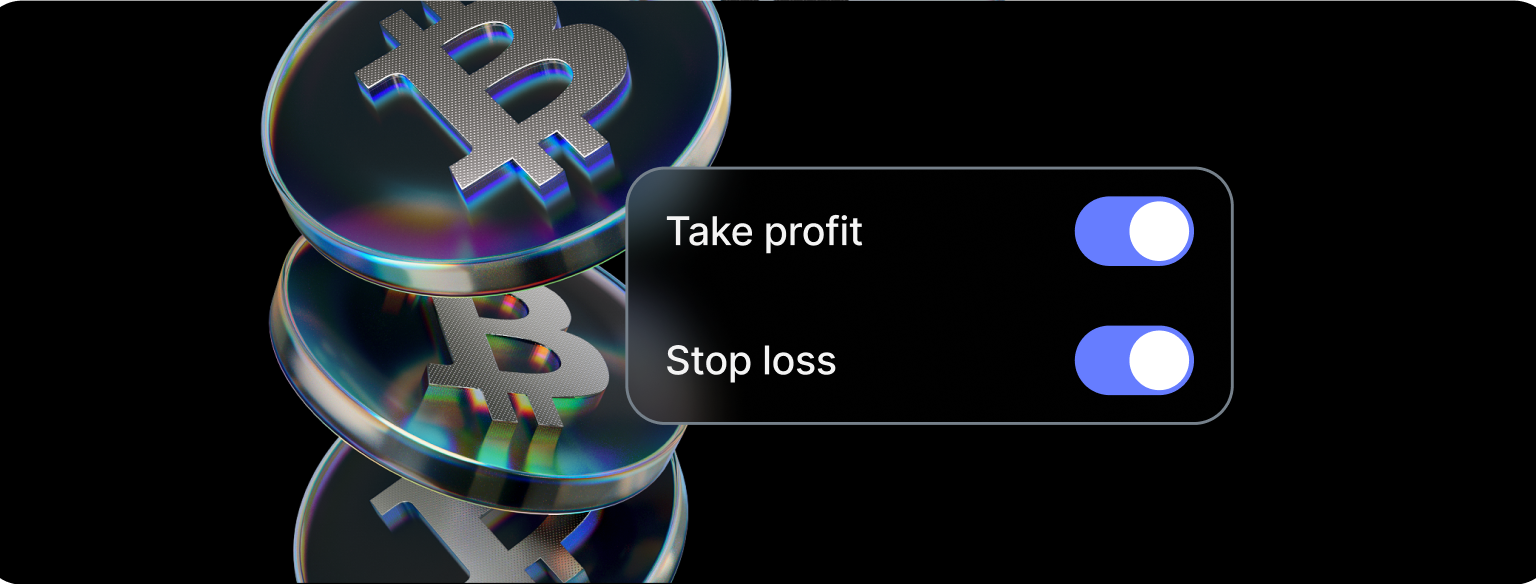
Lock in gains and cap losses
Whether the market goes up or down, trade with confidence and control using Take Profit and Stop Loss (TPSL) orders.
What are TPSL orders?
A Take Profit (TP) order lets you automatically close a trade once the price hits your target, locking in gains.
A Stop Loss (SL) order closes your position if the market moves against you, limiting losses and protecting your capital.
Together, they help you manage risk and maximise your gains without constant monitoring.
How can I set up TPSL orders?
Add them when you place new buy orders, or apply them to a position you already hold.
Just choose your price or percentage, and the order will execute automatically when the target's reached.
Take Profit and Stop Loss (TPSL) orders are risk management tools, not guarantees. In volatile markets, execution is not guaranteed. Revolut X T&Cs apply.

Put your crypto to work with staking
What if your crypto could work for you — even while you sleep? That’s the idea behind staking.
What's staking?
Staking is a way you can earn rewards with certain cryptocurrencies you own. By staking your tokens (locking them away temporarily), you help support the operations of a blockchain network. In return for this contribution, you receive rewards, typically paid out in the same cryptocurrency.
How can I benefit?
- Earn rewards on your holdings: you could earn a variable Annual Percentage Yield (APY) of up to 3.6% on Ethereum (ETH) or up to 7.1% on Solana (SOL). APY is variable, T&Cs apply.
- Keep more of what you earn: Revolut doesn’t charge any fees on your staking rewards. We give you 100% of the staking rewards we receive on-chain — meaning you keep more compared to many other staking platforms. Third-party fees may apply.
APY is the expected annualised return based on historical data, and is indicative only. Past performance is not a reliable indicator of future results. T&Cs apply.
Staking cryptoassets is associated with specific cryptocurrency risks, such as asset loss due to slashing — please refer to cryptoasset specific risk summaries.

Safely and seamlessly send and receive crypto with Revolut X
Every aspect of your crypto journey should be convenient, including deposits and withdrawals. Send and receive 35+ tokens like BTC, ETH, SOL, and stablecoins, all within Revolut X.
How do I receive (deposit) crypto from an external address?
Find your crypto address using Home on the bottom menu. Tap Deposit and Receive crypto. Then select the desired cryptocurrency.
Check the deposit address carefully. Always use the address displayed in the Receive crypto section for the specific cryptocurrency and network.
Make sure we support the token and chain from which you're depositing. Unsupported deposits may result in loss of funds.
How do I send (withdraw) crypto to an external address?
Go to Home on the bottom menu, tap Withdraw, and select Send crypto. Choose the cryptocurrency you'd like to send and follow the instructions.
Sending crypto can't be reversed. After confirming the transaction, you can't cancel it (even if the status of the transaction is pending).
Crypto withdrawals are subject to limits and fees. We only support sending to external wallets for certain cryptocurrencies and networks.
We're looking forward to 2026 to keep providing smarter, more seamless features for your Revolut X trading journey.
— Team Revolut
The information provided is accurate as of 19 December 2025.