Stack the cards in your favor
Prepaid card
Discover a smarter way to manage your money, right from your phone. Load your debit card easily, spend worldwide, and unlock helpful budgeting tools.
What is a prepaid debit card?
By only paying with the amount of money you load onto it, a prepaid debit card is a helpful way to budget and spend securely.
Unlike traditional bank or credit cards, there’s no debt or overdraft fees. Just like a regular debit card, you can use it for online and in-store purchases wherever Visa or Mastercard are accepted.
Discover prepaid cards
Types of prepaid cards
You don't have to play favorites. Get them all so that you always have a prepaid card up your sleeve for any situation life throws your way.
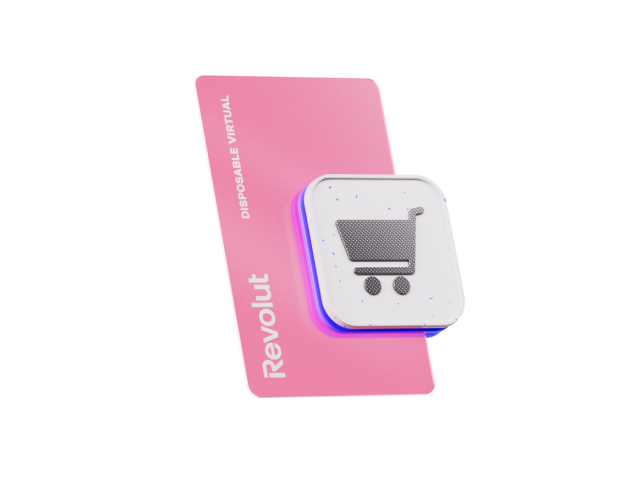
Single-use virtual debit card
Your card details refresh every time you pay to keep you protected. Consider this your go-to for online purchases.

Multiuse virtual debit card
Your card details remain the same, for seamless recurring and contactless payments.

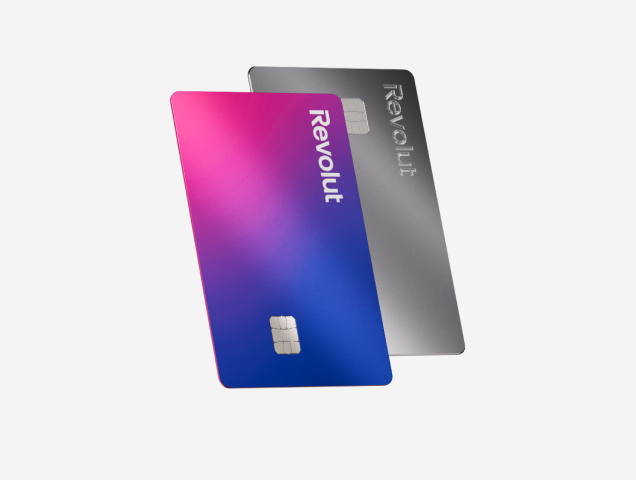
Physical prepaid card
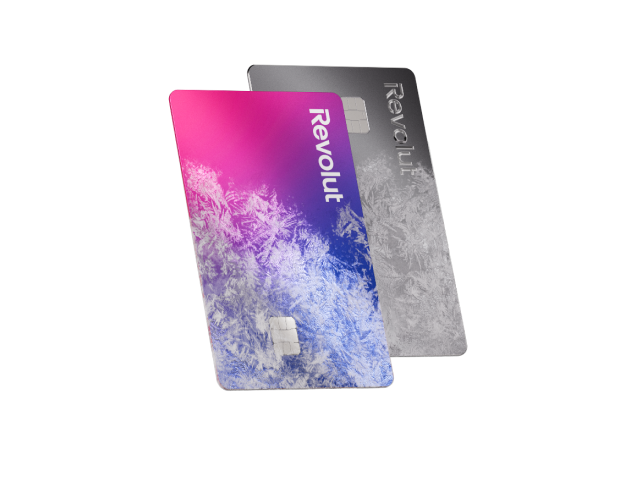
The tangible version of your Revolut account. Use it for payments or ATM withdrawals anywhere — it's everyday convenience in your pocket.¹

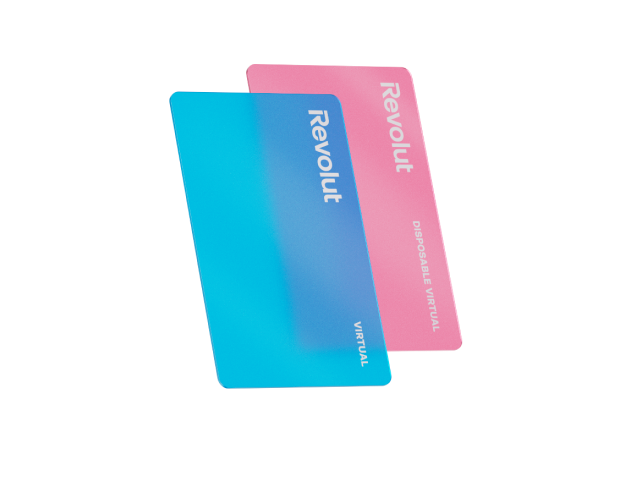
All your prepaid cards online
Experience seamless digital spending with all your Revolut prepaid cards managed directly in-app. Link your cards easily to Apple Pay and Google Pay for secure, convenient contactless payments.
No need for a physical card? No problem. Enjoy the freedom of paying online or in-store with a virtual version of your prepaid card. With robust in-app security features, you can freeze or unfreeze cards anytime and keep your money safe and your spending under control with two-factor authentication.
Explore the app
Fast, flexible, secure — just the way spending should be
Benefits of prepaid debit cards
Gain control, boost security, and simplify your spending. Enjoy financial freedom and manage your money with confidence.
Get card security features you control
Freeze your card in its tracks with just a tap. You can block payments anytime until you’re ready to start spending again.
Make contactless payments in stores
Link your multiuse cards to your digital wallet with Apple Pay or Google Pay. Tap, pay, done. It’s that simple.

Make budgeting virtually effortless
Track your expenses by using a different card for each type of purchase or set spending limits to stick to your budget. You’re in charge.

Pay abroad with our exchange rates
Pack light and pay like a local. Exchange to 25+ currencies in-app and make payments overseas using your card.



The single-use prepaid card
Single-use cards are designed to add an extra layer of security when you shop online. You get a new card number every time you pay, so your main account details are kept private. After you make a purchase, vendors can’t use the same details to charge you again.
Making a one-time purchase from a new online store? Whip out your single-use card and prevent future unauthorized charges. This is a scammer’s worst nightmare.
Meet the single-use cardSpending on-the-go?
How to get a prepaid debit card
Your card, your way. Create a virtual card or order your physical version in just a few taps, right in your Revolut account.
1. Join Revolut
Download our app for iOS or Android, sign up, and add money to your account.

2. Choose your card
Tap the type of card you want in the Cards section.

3. Start spending
Start using your virtual card directly while your physical card is out for delivery.


Paying is a breeze
How to use your prepaid card
So many ways to pay, right at your fingertips. How you use your prepaid card is entirely up to you.
Safely shop online
Go to the Cards section of your Revolut app to find your card’s number, CVV, and expiration date, and enter those details to complete your payment.
Buy in stores
Use Apple Pay or Google Pay to keep your multiuse cards on your phone and race through checkout.

Set up recurring payments
Subscribed to a streaming platform? Automate charges with a multiuse card and avoid missing a payment (or season premiere) again.


Compare Revolut plans
Find Your Best Prepaid Debit Card
Seeking the best prepaid debit card for your needs? Compare Revolut's Standard, Premium, and Metal plans. Discover features like higher limits and exclusive perks to manage your money smarter.
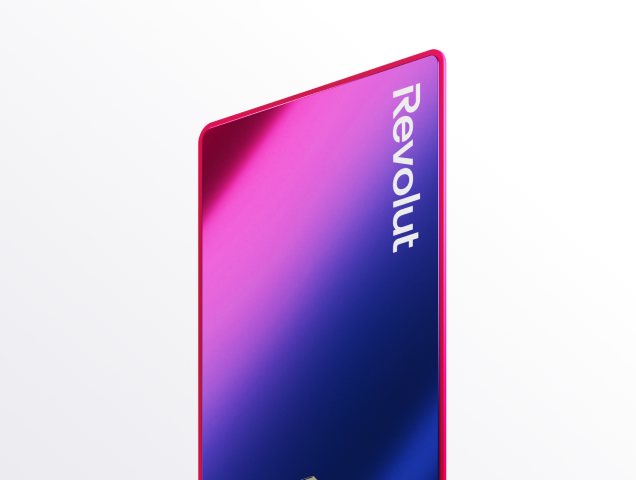
Standard Plan
Get your complimentary physical card with broad ATM access.¹ Ideal for daily spending and seamless currency exchange.
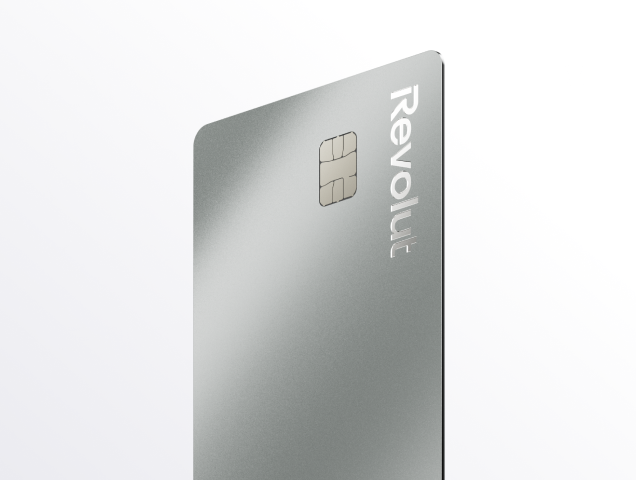
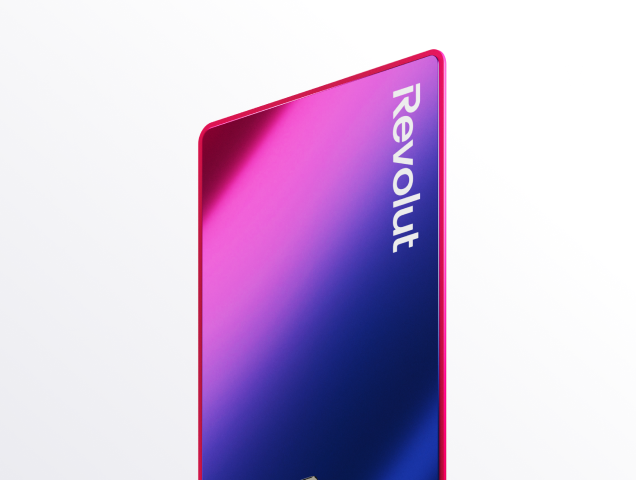
Premium Plan
Enjoy complimentary card customization and express delivery. Benefit from expanded no-fee currency exchange for greater spending flexibility.²
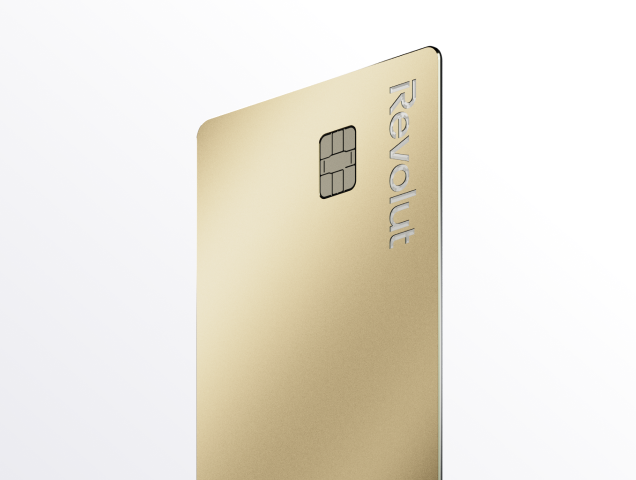
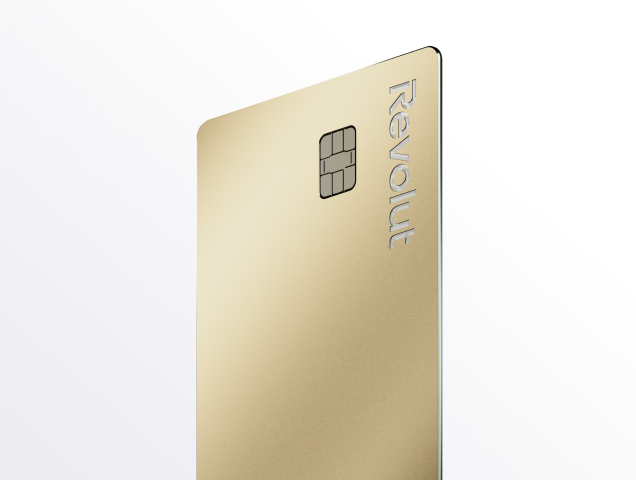
Metal Plan
Receive an exclusive stainless steel card with express delivery. Unlock unlimited currency exchange and comprehensive travel and purchase protection benefits.

Want to know more?
Prepaid cards FAQs
Revolut offers different types of prepaid debit cards. Which one is right for you? That depends on what you plan to use it for.
- Single-use virtual cards (also called single-use cards) are virtual prepaid debit cards that generate new details every time you make a payment. This means that vendors can’t trace them back to your account or charge you more than once without your authorization. They’re specifically made for one-time online purchases where you want extra privacy and security. Since their details change every time you pay, they’re not designed for contactless or recurring payments.
- Multiuse virtual cards have permanent card details, so you can use them to set up recurring payments, subscriptions, and deposits. You can also link them to Apple or Google Pay and make contactless payments in stores.
- Physical cards: If you prefer the tangible feel of a card or need to make in-person purchases where contactless payment isn't available, a physical prepaid card is your go-to. This card is ideal for everyday shopping, dining out, and ATM withdrawals worldwide.¹ It offers the convenience of a traditional card without linking directly to your bank account, making it perfect for managing your everyday budget and giving you a familiar way to pay wherever you go.
The good news is that you don't have to choose. You can hold all of them at the same time.
Fees may apply, so check your plan for more details.Yes, in the US, Revolut cards are issued as prepaid debit cards.
The Revolut Prepaid Visa® and Revolut Prepaid Mastercard® cards are issued by Lead Bank, Member FDIC, under licenses from Visa U.S.A. Inc. and Mastercard International. This means you can only spend the money you've loaded onto your Revolut account, offering a clear way to manage your budget without overdraft fees or accumulating debt. While classified as prepaid, we provide advanced features like multicurrency exchange, budgeting tools, and strong in-app security, offering a modern alternative to traditional banking.
- Prepaid virtual cards are stored safely in your Revolut app, which is protected by two-factor authentication. This security measure ensures that only you can log on to your account, view your card details, and complete payments
- If you suspect any fraud, you can freeze your card right in-app to block payments. Then unfreeze it just as easily when you’re ready to use it again. All it takes is a couple of taps
- When you use Apple Pay or Google Pay to make a purchase with your cards, your real card number is kept secret. A unique encrypted code known as a token is used to complete your payment. This ensures that your details are safe
The prepaid debit card brand available to you depends on several factors, such as your location. You can see whether your card will be Visa or Mastercard right in-app before you create it. Both are accepted widely in many locations around the world.
It takes just a few seconds to create your virtual prepaid card, and you can start using it right away.
- Open your Revolut app
- Go to the Cards section
- Tap the type of card you want
- Your card will show up in your account right after you create it, and you’ll be able to start spending immediately
Check out our Help Center for more on how to create a virtual card.
The physical card delivery will start once your order information added.
- Standard customers receive standard delivery, unless upgraded to priority tracked delivery for an additional fee
- Premium and Metal customers enjoy complimentary express tracked delivery
Virtual prepaid cards fees
You don’t have to pay any additional fees to create your virtual cards. Check your plan for more details.
Prepaid physical cards fees
Fees for Revolut physical cards vary based on your Revolut plan (Standard, Premium, Metal), card type, and selected delivery method.
- First card: for Standard plan customers, the first physical card is complementary, but delivery fees apply (e.g., $5.00 for local standard untracked in the US). Premium and Metal plan customers generally receive their first card and express tracked delivery complimentary
- Additional cards: additional cards incur a fee, for example, $4.99 for Standard plans and $39.99 for Premium and Metal plans. Special edition cards have varied costs
- Customization: customization (if available) may cost $3.99 for Standard plans, while it's complimentary for Premium and Metal
- Replacements: replacement cards may also be subject to fees depending on circumstances and your plan
Details and up do date costs for physical cards order are available in our Help Center.
All exact applicable fees will be clearly displayed in the Revolut app before you finalize your order. Virtual cards are always available at no cost.
It’s fast and easy to make online purchases with your prepaid cards.
- Go to the Cards section of your Revolut app
- Tap the card icon in the top right
- Tap Show details to see your card number, CVV, and expiration date
- Enter those details to complete your online purchase
You can also link your multiuse cards to Apple Pay or Google Pay and make contactless payments in stores.
You can use your prepaid debit card in most places around the world that accept online or contactless payments with Visa and Mastercard. Exchange and hold 25+ currencies in-app, and pay in the local currency using your card.
If the currency you want to exchange to isn’t listed in-app, don’t worry — this simply means you can’t keep it in your account yet. You can still pay with your card abroad in 150+ currencies. We’ll automatically exchange your holding currency to the local currency at the available rate when you make a purchase.
Currency exchange fees may apply. Check your plan for more details.Yes, you can withdraw cash from ATMs using your Revolut physical prepaid card.
Simply use your physical card at any ATM that accepts Visa or Mastercard. Your withdrawal fees from us depend on your plan.
For Standard users, a Revolut fee may apply to each withdrawal.
Premium and Metal plans offer higher withdrawal limits with no Revolut fees. After your monthly allowance resets, a 2% fee applies. You can always check your remaining allowance in-app and consider upgrading your plan for better benefits.
While you can link your virtual cards to Apple Pay or Google Pay for in-store contactless payments, ATM withdrawals typically require a physical card. You can easily find nearby ATMs and check your withdrawal limits directly within the Revolut app.
You can use your Revolut prepaid card virtually anywhere that accepts Visa or Mastercard worldwide.
This includes:
- Online purchases: use your physical or virtual card details for shopping on e-commerce websites. Single-use virtual cards offer extra security for online transactions
- In-store payments: use your physical card by swiping, inserting, or tapping via contactless technology
- Mobile wallets: link your Revolut card to Apple Pay or Google Pay for secure, convenient payments using your smartphone or smartwatch at contactless terminals
- ATM withdrawals: use your physical card to withdraw cash from ATMs¹
Revolut's extensive network means your prepaid card is accepted in millions of locations globally, offering flexibility for both everyday spending and international use (though some countries may have restrictions, which are always listed in the Revolut app).
Adding money to your Revolut prepaid card is quick and easy, primarily done through the Revolut app. You have several options:
- Debit card: add money your Revolut account using a linked debit card (Visa or Mastercard)
- Apple Pay / Google Pay: for even faster deposits, use Apple Pay or Google Pay linked to your existing debit card
- Bank transfer: transfer funds directly from your external bank account to your Revolut account
- Cash deposit: in the US, you can deposit cash at select participating retailers (fees may apply, details in-app)
- Payment links: request money by sending a payment link
- Receive money directly on your Revolut card: Revolut cards support the functionality to receive inbound transfers directly to your card via your card number
To add money, simply go to the Add money section in your Revolut app, choose your preferred method, enter the amount, and follow the on-screen prompts.
¹After you reach your monthly ATM withdrawal limit, you'll pay a 2% fair usage fee. Third-party ATM fees may apply.
²No-fee currency exchange up to $10,000/month.