Virtual is your new reality
Virtual credit card
The typical credit cards you know and love just got a digital upgrade. Spend flexibly with virtual cards that live only in your Revolut app. Cashback, easy budgeting, top security features — all this and more is just a tap away. T&Cs apply.
Keep your credit cards online
Store and manage all your cards digitally, in one app. Set budget limits, track your spending, and control your card security features right from your phone. You'll never have to carry around a stack of credit cards in your wallet again.
Best of all? Since there's no physical card, your details are securely tucked away in your Revolut app. If you lose your phone, your virtual cards will be safely waiting for you when you log in to your account.
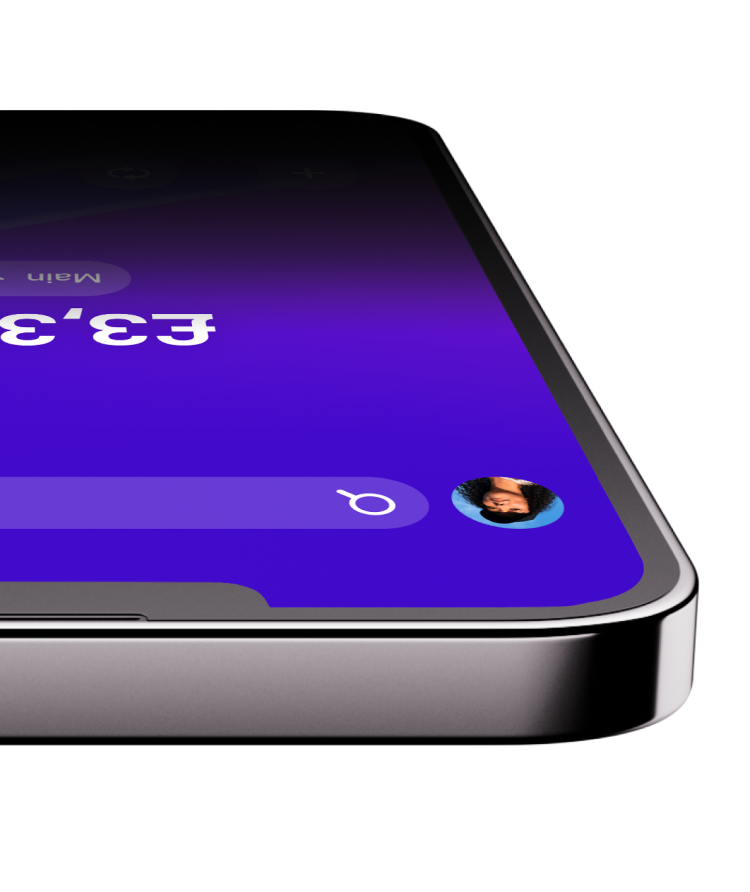
How does a virtual credit card work?
A virtual credit card works just like a physical credit card, but it exists only in digital form. You can easily use it to shop online and in stores. Just enter your card's number, expiry date, and CVV code for online purchases, and link your card to Apple Pay or Google Pay for contactless payments.
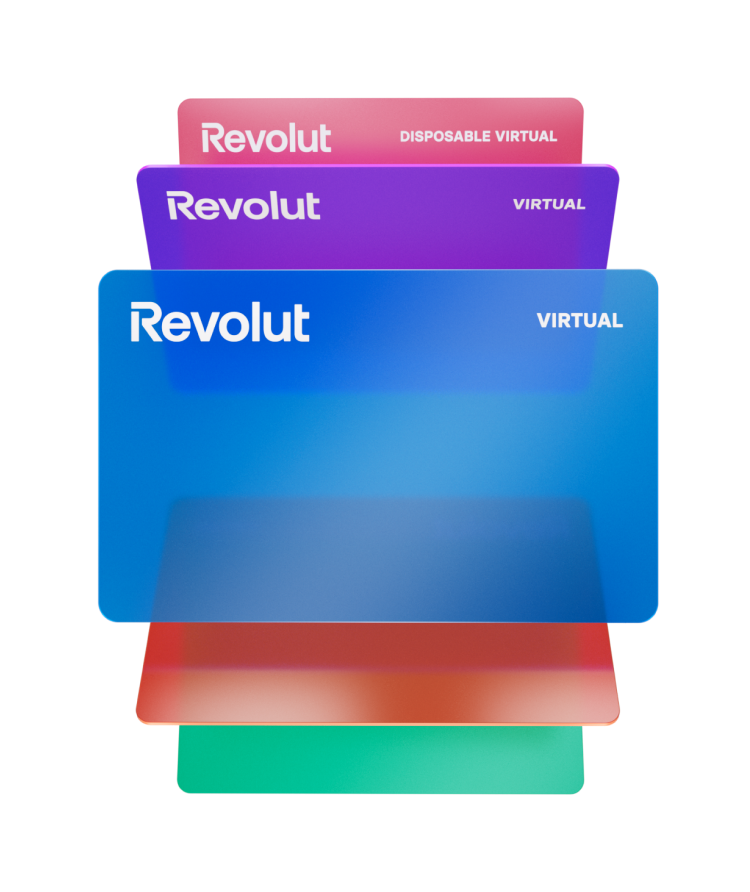


Featuring the disposable virtual credit card
Safely shop online with this wild card up your sleeve. Disposable card details refresh after every purchase, so vendors can't charge you more than once.
Making a one-off purchase from a new online store? Whip out your disposable credit card. There's no better way to keep scammers guessing.
Check it out1% cashback on credit card purchases
Get 1% cashback on every purchase for your first 3 months, or up to zł 2,000. After that, you'll get cashback rates starting from 0,1%.¹ T&Cs apply.

Interest-free for up to 62 days
Pay no interest on purchases for up to 62 days², as long as you repay your balance in full before the end of the next calendar month. After that, make your repayments on time and in full at the end of each billing cycle, and you'll continue to enjoy interest-free spending.'

¹Cashback and no interest on purchases for up to 62 days is not applied to cash withdrawals, money transfers, debt repayments, and credit card payments for gambling and investments.
²No interest on purchases for up to 62 days refers to the period during which interest is accrued but not charged on purchases. The period runs from the first day of the billing cycle or the first day of the month, until the next due date or the last day of the next calendar month. You need to repay in full by the due date or the end of the 2-month period to avoid being charged interest.


Stay on top of your credit card repayments
Get notified about upcoming payments, or settle your balance automatically with AutoPay. Want to make spending management extra smooth? Apply budget limits, so you’ll never go overboard.
How to get a virtual credit card

1. Apply for credit
Go to your Revolut app and answer a few questions to apply for a credit limit up to zł 50,000³.
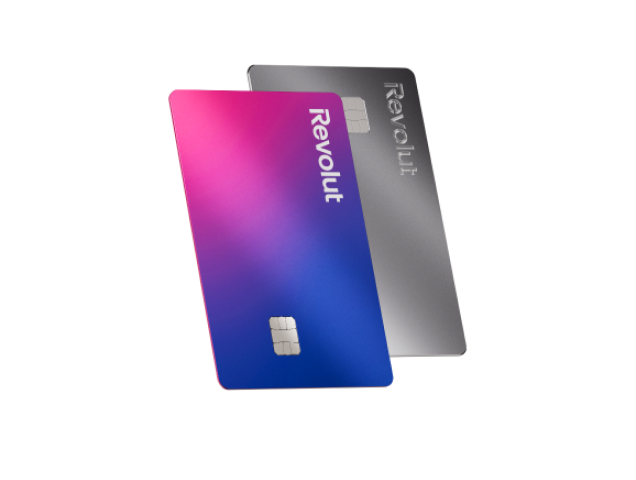
2. Choose a virtual card
Don't want to wait for your physical card to arrive? Pick a virtual card instead once your application is approved.

3. Spend instantly
Activate your virtual credit card and start spending straight away.


³Lending criteria and T&Cs apply. Credit facilities are subject to repayment capacity and financial status and are not available to persons under 18 years of age. All credit applications are subject to approval.
It's not just credit
Explore virtual debit cards
The virtual cards you love are available in debit form, too. Create them instantly in-app and add money to your account to start spending straight away.
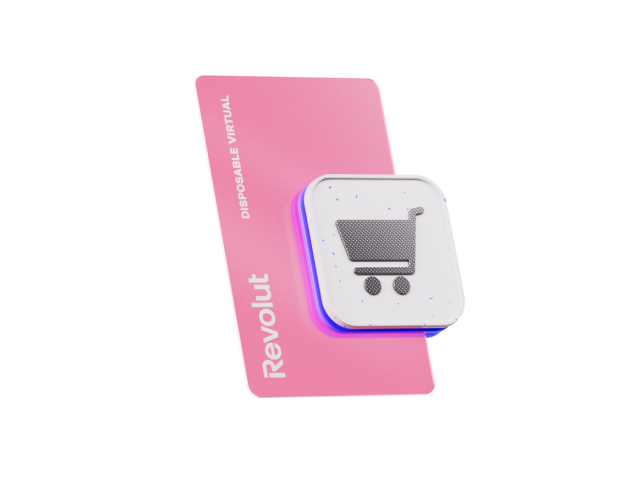
Disposable debit card
The chameleon. Card details refresh every time you pay to keep fraudsters guessing. Consider this your go-to for online purchases.

Multi-use debit card
The stable one. Card details remain the same, so count on this little buddy for recurring and contactless payments.

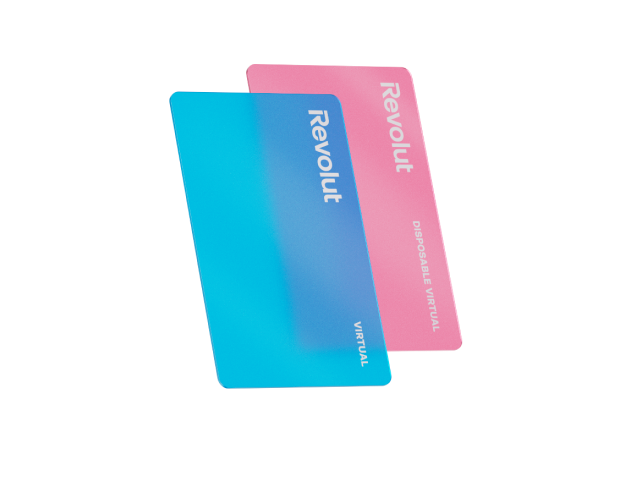
How to use your virtual credit card
So many ways to pay, right at your fingertips. How you use your virtual card is entirely up to you.
Safely shop online
Go to the Cards section of your Revolut app to find your card’s number, expiry date, and CVV, then enter those details to complete your payment.
Buy in stores
Use Apple Pay or Google Pay to store your virtual credit cards on your phone and race through checkout at record speed.
Set up recurring payments
Subscribed to a streaming platform? Automate charges with a multi-use card and never miss a payment (or series premiere) again.
Add Revolut Shopper
Get our Chrome browser extension — your personal Shopper. Autofill your details, keep your cards organised, and pay securely when you shop online.
Check it outSafely shop online
Go to the Cards section of your Revolut app to find your card’s number, expiry date, and CVV, then enter those details to complete your payment.
Buy in stores
Use Apple Pay or Google Pay to store your virtual credit cards on your phone and race through checkout at record speed.
Set up recurring payments
Subscribed to a streaming platform? Automate charges with a multi-use card and never miss a payment (or series premiere) again.
Add Revolut Shopper
Get our Chrome browser extension — your personal Shopper. Autofill your details, keep your cards organised, and pay securely when you shop online.
Check it out
Want more info?
Virtual credit card FAQs
Revolut offers 2 types of virtual cards. They're available for both debit and credit.
- Disposable cards (also called single-use cards) are virtual cards that generate new details every time you make a payment. This means that vendors can’t trace them back to your account or charge you more than once without your authorisation. They’re specially made for one-off online purchases where you want extra privacy and security. Since their details change every time you pay, they’re not designed for contactless or recurring payments.
- Multi-use cards have permanent card details, so you can use them to set up recurring payments, subscriptions, and deposits. You can also link them to Apple or Google Pay and make contactless payments in stores.
The good news is that you don't have to choose. You can keep 20 virtual cards in your account, plus 1 disposable card. This allows you to manage your spending flexibly and helps you stick to your budget. Set spending limits for each card, or use a different card for each type of purchase — you're in control.
Still want a physical card that you can use at ATMs for cash withdrawals? Get one in addition to your virtual cards so that you’re prepared for every occasion. Fees may apply, so check your plan for more details.
Keeping your money safe is our top priority. Here are some of the safety measures we use to protect the virtual credit cards in your account.
- Virtual cards are stored safely in your Revolut app, which is protected by two-factor authentication. This security measure ensures that only you can log on to your account, view your card details, and complete payments.
- If you suspect any fraud, you can freeze your card right in-app to block payments. Then unfreeze it just as easily when you’re ready to use it again. All it takes is a couple of taps.
- When you use Apple Pay or Google Pay to make a purchase with your virtual cards, your real card number is kept secret. A unique encrypted code known as a token is used to complete your payment. This ensures that your details are safe.
- Since there's no physical version of your virtual cards, you don’t have to worry about your card details being stolen if you lose your wallet.
It'll only take you a few minutes to fill out your credit application, and you'll receive a decision from us quickly. Once your application is approved and you accept our offer, you can create and use your virtual card straight away. Subject to credit check.
You don’t have to pay any additional fees to create your virtual credit card once your credit application is approved.
- It’s fast and easy to make online purchases with your virtual cards. Here's how:
- Go to the Cards section of your Revolut app.
- Tap the card icon in the top right.
- Tap Show details to see your card number, CVV, and expiry date.
- Enter those details to complete your online purchase.
You can also link your virtual credit cards to Apple Pay or Google Pay and make contactless payments in stores.
Find more information on how to use a virtual card in our Help Centre.
You can use your virtual credit card in most places around the world that accept online or contactless payments with Visa. Just pay with your card abroad, and we'll automatically exchange your money to the local currency at great rates. We currently support card payments in 150+ currencies.
Currency exchange fees may apply. Check your plan for more details.Yes, you can make withdrawals with a Revolut credit card, but you need to order a physical card to be able to do so. Virtual cards aren't designed for ATM withdrawals.
Plan fees and T&Cs apply, including ATM cash withdrawal fees. Unlike for card purchases, you'll pay interest with no grace period for ATM withdrawals.
The basic criteria you need to meet to be eligible for credit vary by country. Visit our Help Centre to find out more about credit eligibility criteria in your region.
We'll also run a credit check when we review your application to determine your eligibility.
You can apply for a credit card quickly and easily in-app. Here's how:
- Open your Revolut app.
- Tap Accounts below your balance on the home screen.
- Select + Add new, tap Credit, and choose Credit cards.
- Fill in your credit application.
- We'll send you our decision quickly. If your application is successful, you'll receive an offer to review.
- Once you accept our offer, we'll ask you whether you want a physical or virtual card. You can choose one or both.
- Tap Virtual card to create your virtual card, and you're ready to start spending straight away.
It'll only take you a few minutes to fill out your credit application, and we aim to have a decision for you a few minutes after you submit it.
Sometimes, we may need to ask you for additional information or documents as part of your credit application. In this case, it may take us a little longer to review it. But don’t worry — we'll keep you up to date on the status of your application in-app.