Calling Indonesia: your guide to Indonesia's country code (+62)
Product · 26 September 2025Clément Bolmont
Whether you're connecting with friends and family or reaching out to a business, calling Indonesia can be more straightforward than you might think. The first step is to master the Indonesian country code, +62, which is the key to connecting your call. For anyone outside Indonesia, understanding the correct dialling format, area codes, and common mistakes is essential for a successful connection.
This guide will walk you through everything you need to know about dialling an Indonesian phone number from anywhere in the world.
What's the country calling code for Indonesia?
The country calling code for Indonesia is +62. This code is a universal identifier that tells a phone network your call is destined for Indonesia. It must be dialled at the beginning of every Indonesian phone number when you're calling from outside the country.
If you're calling from abroad on a mobile phone, the plus symbol (+) is a universal stand-in for your own country's international exit code, which means the +62 format will work automatically from anywhere. If you're using a traditional landline phone, however, you'll need to replace the + with the specific exit code of the country you're calling from.
Your step-by-step guide to Indonesia's dialling code
Making a successful call to Indonesia involves combining a few key components in the correct order. By following this simple guide, you can ensure your call connects on the first try.
- For landline phones: to call an Indonesian landline from a landline phone in your country, you must first dial your country's international exit code, followed by Indonesia's country code (62), then the area code (without the leading 0), and finally the local Indonesian number
The format: your country's exit code + 62 + area code + local number.
So, if you wanted to call a Jakarta landline number, 021-5555-1234, from Australia (where the exit code is 0011), you'd dial: 0011 62 21 5555-1234.
- For mobile phones: calling from a mobile phone is often simpler. Instead of dialling a specific exit code, you can use the + symbol, which is a universal substitute. After the + symbol, you dial the Indonesia country code (62) and then the full Indonesian mobile number.
The format: +62 + 8xxxxxxxxxx.
For example, to call an Indonesian mobile number like 0812-5555-1234, you'd dial: +62 812 5555-1234.
What are Indonesian area codes?
An area code is a numerical prefix that routes phone calls to a specific geographical region within Indonesia. It's a crucial part of a landline number because it ensures your call reaches the right city or province. When calling an Indonesian landline from another country, you must include the correct area code to connect to the intended location.
Here's a breakdown of the area codes for some of Indonesia's major cities and regions:
City/region | Area code | How to dial |
Jakarta | 021 | +62 21 |
Bali (Denpasar) | 0361 | +62 361 |
Surabaya | 031 | +62 31 |
Medan | 061 | +62 61 |
Makassar | 0411 | +62 411 |
Bandung | 022 | +62 22 |
Indonesia's numbering plan is a bit unique. Landline numbers often vary in length, while mobile phone numbers are always 10–12 digits long and begin with an 8 as the mobile prefix. When dialling from outside the country, you must include this prefix as part of the number.

What to do if your call won’t connect
If you've tried to make a call to Indonesia and it's not working, it's usually due to a small dialling error. Here are a few common issues to troubleshoot:
- Forgetting the country code: it's easy to accidentally skip the +62. Always double-check that it's there.
- Using the wrong exit code: when calling from a landline, ensure you're using the correct exit code for the country you're in. Using the + symbol on a mobile phone eliminates this error.
- Time zone differences: Indonesia spans Western, Central, and Eastern Indonesia Time zones. A quick online search for the time in the city you're calling will give you a real-time update and help you avoid waking someone up in the middle of the night.
Staying safe: Indonesian emergency numbers
While you'll hopefully never need them, it's a good idea to know the emergency numbers for Indonesia in case you or someone you know needs urgent assistance while there. The general emergency number is 112. This number costs nothing to call from any phone in Indonesia.
Other important numbers include:
- Police: 110
- Fire department: 113
- Ambulance: 118
You can check the official Indonesian government website for a comprehensive list of emergency and non-emergency services.
Beyond traditional calls: staying connected with apps
With the rise of smartphones and the internet, many people now use data-based apps to make calls and send messages. Services like WhatsApp, FaceTime, and Facebook Messenger allow you to make voice and video calls over an internet connection, normally at no extra cost beyond your data plan.
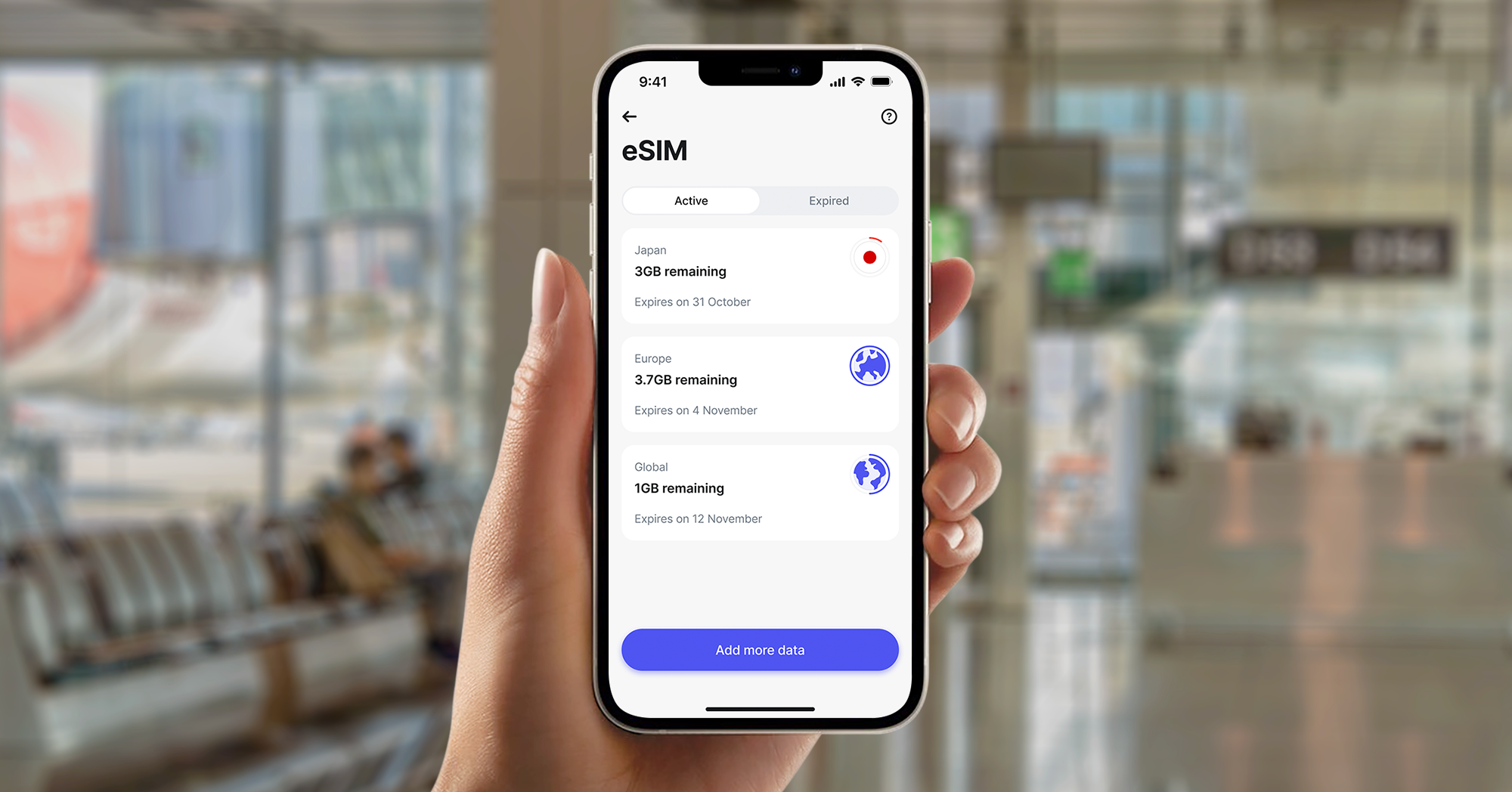
The biggest challenge with these apps is securing a reliable internet connection. You'll need access to strong WiFi or an affordable data plan. This is where a Revolut eSIM can be a game-changer. Rather than facing expensive roaming charges from your usual phone provider, an international eSIM gives you an affordable and reliable data plan without needing a physical SIM card. You simply buy the plan you need and get access to the internet on your phone.
Staying connected while abroad with Revolut
High roaming costs can make staying in touch while you travel an expensive exercise. A simple and effective way to avoid this is with a travel-friendly data solution like an eSIM from Revolut. An eSIM is a digital SIM card that allows you to get a mobile data plan without needing a physical SIM. This means you can get quick access to data in a new country and use your favourite apps to stay in contact.
We offer a range of eSIM products depending on your travel plans, including a global eSIM, a dedicated Asia Pacific eSIM, and a specific Indonesia eSIM. With an eSIM, you can avoid worrying about finding a local SIM card provider or dealing with unpredictable roaming fees, giving you one less thing to think about on your journey.
In addition to eSIMs, we offer several other features that are perfect for travellers. You can hold and exchange currencies in-app at great rates, so you're always ready to pay in the local currency. You can also use your Revolut card to spend around the world, and our budgeting tools help you keep track of your expenses in real-time. All of these features are designed to make managing your money simpler, giving you more freedom to enjoy your trip.
Frequently asked questions about the Indonesia calling code
Which country uses +62 as a calling code?
The country code +62 is used for Indonesia.
Is there a difference between calling an Indonesian mobile or landline?
Yes, there is. For a landline, you must use the country code, followed by a 2–3 digit area code, and then the local number. Mobile numbers in Indonesia are typically 10–12 digits long and begin with an 8.
What happens if I forget the area code?
Your call to a landline won't connect properly. The area code is a mandatory part of the Indonesian dialling format for all landlines.
Is it possible to call Indonesia without fees?
Making no-fee calls is usually possible through internet-based apps like WhatsApp, FaceTime, or other Voice over Internet Protocol (VoIP) services, as long as you have a stable WiFi or mobile data connection. These calls use your data plan rather than your phone's traditional calling minutes, so you avoid per-minute charges.
Get started with Revolut
Ready to simplify your travel and stay connected on your next adventure? It all starts with a few taps:
- Download the app: simply download the Revolut app from the App Store or Google Play.
- Get an eSIM: once you've signed up and set up your account, you can quickly get an eSIM for data access. Tap the eSIM button on the bottom menu, then choose your plan and purchase it with your account balance. Follow the simple in-app steps to install and activate your eSIM.
- Explore other travel products: you can also explore all our other travel products, which are designed to simplify your journey and make managing your money easier.
The information provided is accurate as of 16 September 2025.
T&Cs apply.